Hello,
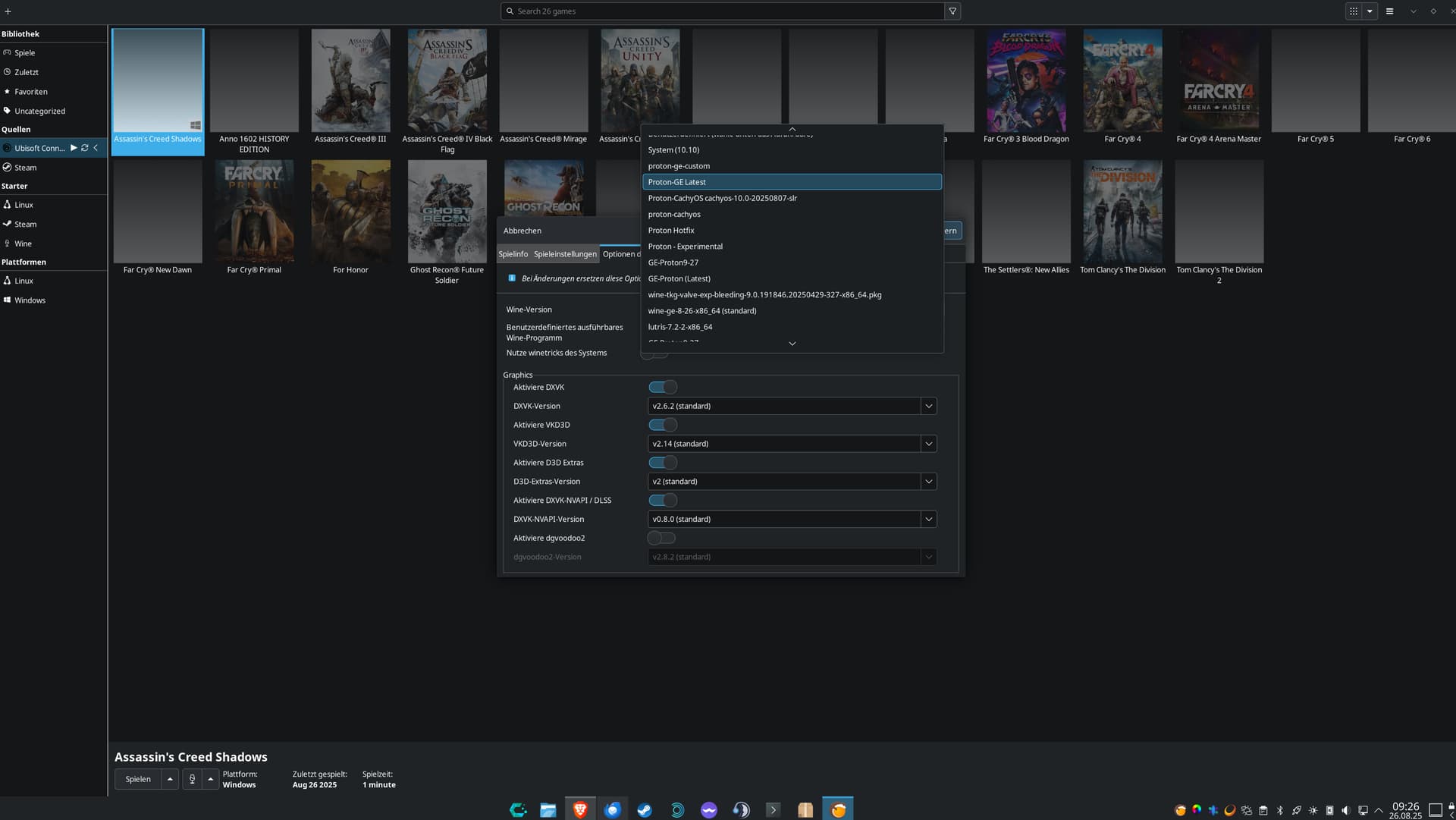
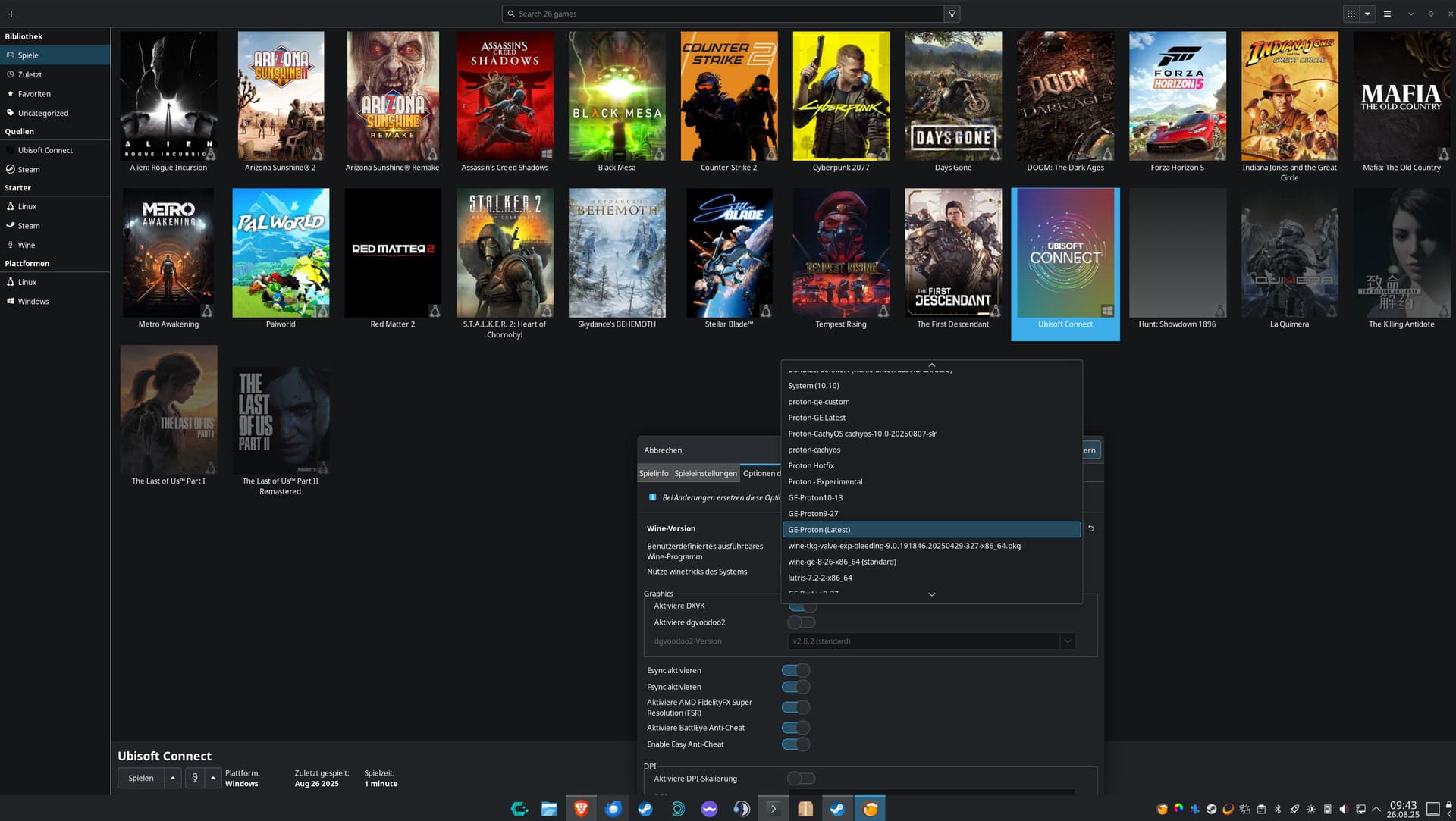
I use CachyOS and installed Lutris via Octopi (CachyOS package manager). The version is 0.5.19-6.
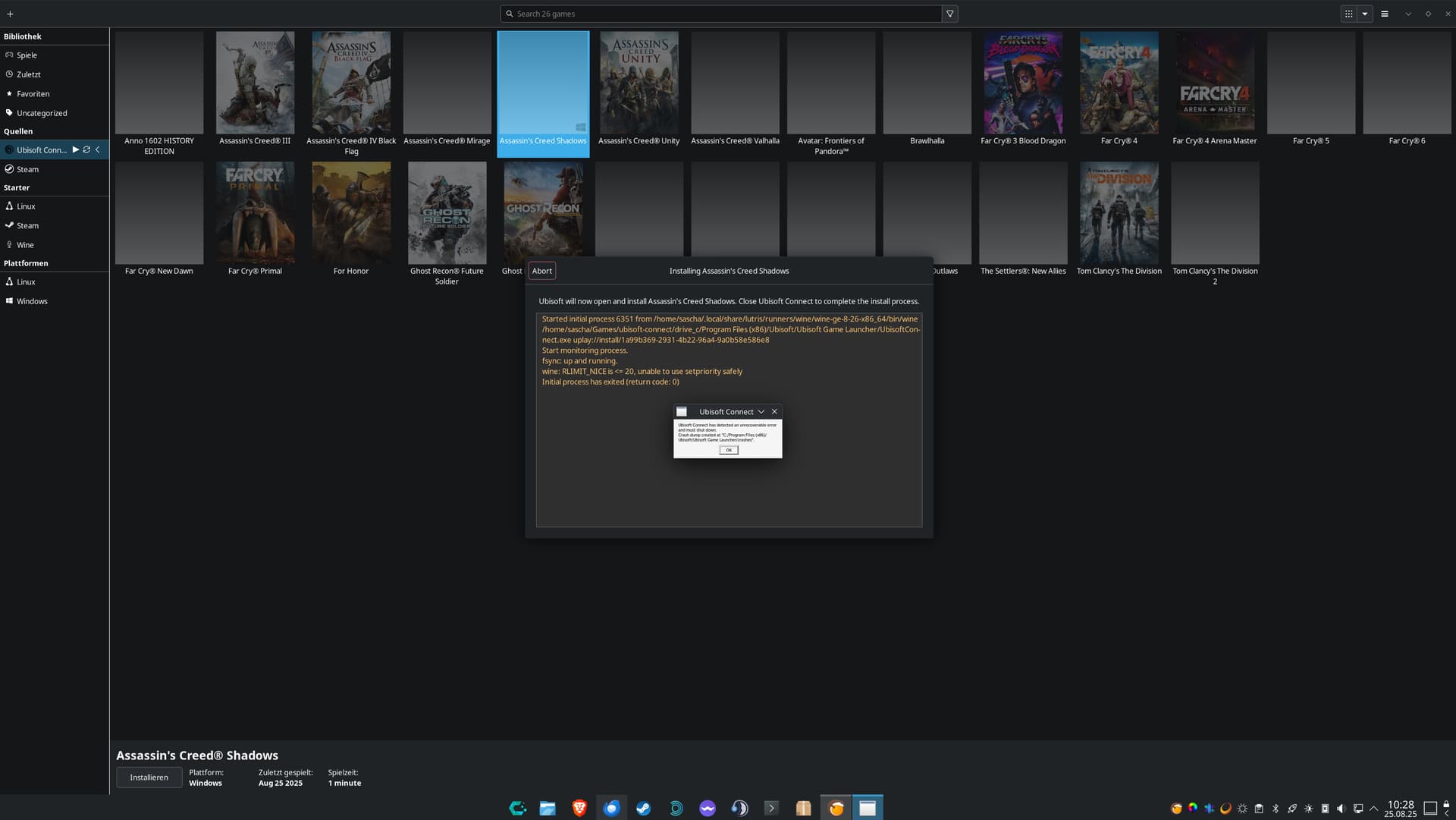
First, I set up Steam and everything works fine. Now I wanted to install Ubisoft Connect, which also worked. But as soon as I try to start it, I get an error. See screenshot.
I have already run lutris --submit-issue. A JSON file has been generated. How can I deploy it or upload it here?
Here is the lutris -d output:
lutris -d
INFO     2025-08-25 10:31:49,476 [application.do_command_line:478]:Starting Lutris 0.5.19
INFO     2025-08-25 10:31:49,495 [startup.run_all_checks:120]:"card1" is AMD Radeon Graphics (1002:13c0 1849:364e amdgpu) Driver None
INFO     2025-08-25 10:31:49,602 [startup.run_all_checks:120]:"card0" is NVIDIA GeForce RTX 5090 (10de:2b85 1462:5306 nvidia) Driver 580.76.05
DEBUG    2025-08-25 10:31:49,648 [xrandr.get_resolutions:91]:Retrieving resolution list
DEBUG    2025-08-25 10:31:49,649 [xrandr._get_vidmodes:18]:Retrieving 40 video modes from XrandR
DEBUG    2025-08-25 10:31:49,666 [path_cache._update_missing_games:114]:Checking for missing games
DEBUG    2025-08-25 10:31:49,677 [api.check_stale_runtime_versions:52]:Modified at Mo 25 Aug 2025 10:17:39 , will update after Mo 25 Aug 2025 16:17:39
DEBUG    2025-08-25 10:31:49,677 [lutriswindow.create_runtime_updater_cb:1384]:Runtime up to date
DEBUG    2025-08-25 10:31:50,667 [http._request:88]:POST https://lutris.net/api/users/library?since=1756110306
DEBUG    2025-08-25 10:32:05,835 [xrandr.get_outputs:26]:Retrieving display outputs
DEBUG    2025-08-25 10:32:05,836 [xrandr._get_vidmodes:18]:Retrieving 40 video modes from XrandR
Started initial process 7867 from gamemoderun mangohud /home/sascha/.local/share/lutris/runners/wine/wine-ge-8-26-x86_64/bin/wine /home/sascha/Games/ubisoft-connect/drive_c/Program Files (x86)/Ubisoft/Ubisoft Game Launcher/UbisoftConnect.exe
Start monitoring process.
gamemodeauto:
gamemodeauto:
ERROR: ld.so: object '/usr/$LIB/mangohud/libMangoHud_shim.so' from LD_PRELOAD cannot be preloaded (cannot open shared object file): ignored.
gamemodeauto:
ERROR: ld.so: object '/usr/$LIB/mangohud/libMangoHud_shim.so' from LD_PRELOAD cannot be preloaded (cannot open shared object file): ignored.
gamemodeauto:
fsync: up and running.
wine: RLIMIT_NICE is <= 20, unable to use setpriority safely
ERROR: ld.so: object '/usr/$LIB/mangohud/libMangoHud_shim.so' from LD_PRELOAD cannot be preloaded (cannot open shared object file): ignored.
Initial process has exited (return code: 0)
[2025-08-25 10:32:06.611] [MANGOHUD] [info] [blacklist.cpp:75] process 'explorer.exe' is blacklisted in MangoHud
[2025-08-25 10:32:06.778] [MANGOHUD] [info] [blacklist.cpp:75] process 'tabtip.exe' is blacklisted in MangoHud
ERROR: ld.so: object '/usr/$LIB/mangohud/libMangoHud_shim.so' from LD_PRELOAD cannot be preloaded (cannot open shared object file): ignored.
ERROR: ld.so: object '/usr/$LIB/mangohud/libMangoHud_shim.so' from LD_PRELOAD cannot be preloaded (cannot open shared object file): ignored.
ERROR: ld.so: object '/usr/$LIB/mangohud/libMangoHud_shim.so' from LD_PRELOAD cannot be preloaded (cannot open shared object file): ignored.
ERROR: ld.so: object '/usr/$LIB/mangohud/libMangoHud_shim.so' from LD_PRELOAD cannot be preloaded (cannot open shared object file): ignored.
ERROR: ld.so: object '/usr/$LIB/mangohud/libMangoHud_shim.so' from LD_PRELOAD cannot be preloaded (cannot open shared object file): ignored.
ERROR: ld.so: object '/usr/$LIB/mangohud/libMangoHud_shim.so' from LD_PRELOAD cannot be preloaded (cannot open shared object file): ignored.
Monitored process exited.
Exit with return code 0
DEBUG    2025-08-25 10:32:13,118 [monitored_command.on_stop:232]:Process 7860 has terminated with code 0
DEBUG    2025-08-25 10:32:13,842 [game.beat:910]:Game thread stopped
WARNING  2025-08-25 10:32:13,842 [game.on_game_quit:948]:Game still running (state: running)
INFO     2025-08-25 10:32:13,842 [game.stop:921]:Stopping Ubisoft Connect (wine)
DEBUG    2025-08-25 10:32:13,842 [game.stop_game:877]:Ubisoft Connect (wine) has run for 8 seconds
DEBUG    2025-08-25 10:32:13,843 [game.stop_game:889]:Playtime: Less than a minute
DEBUG    2025-08-25 10:32:13,843 [game.on_game_quit:966]:Ubisoft Connect stopped at Mo, 25 Aug 2025 10:32:13
DEBUG    2025-08-25 10:32:13,868 [application.on_game_stopped:791]:Removing 57 from running IDs
DEBUG    2025-08-25 10:32:13,883 [path_cache.add_to_path_cache:47]:Adding Ubisoft Connect (wine) to path cache
INFO     2025-08-25 10:39:31,236 [application.do_shutdown:1047]:Shutting down Lutris

~ 7m 42s
I have already uninstalled Lutris, restarted my PC, and reinstalled it. The same error keeps occurring.
What can I do about this?
If it helps, here is my PC
inxi -Fzxi
System:
  Kernel: 6.16.2-2-cachyos arch: x86_64 bits: 64 compiler: gcc v: 15.2.1
  Desktop: KDE Plasma v: 6.4.4 Distro: CachyOS base: Arch Linux
Machine:
  Type: Desktop Mobo: ASRock model: X870 Riptide WiFi
    serial: <superuser required> UEFI: American Megatrends LLC. v: 3.30
    date: 06/16/2025
CPU:
  Info: 8-core model: AMD Ryzen 7 9800X3D bits: 64 type: MCP arch: N/A rev: 0
    cache: L1: 640 KiB L2: 8 MiB L3: 96 MiB
  Speed (MHz): avg: 5208 min/max: 603/5272 boost: enabled cores: 1: 5208
    2: 5208 3: 5208 4: 5208 5: 5208 6: 5208 7: 5208 8: 5208 bogomips: 75057
  Flags: avx avx2 ht lm nx pae sse sse2 sse3 sse4_1 sse4_2 sse4a ssse3 svm
Graphics:
  Device-1: NVIDIA GB202 [GeForce RTX 5090] vendor: Micro-Star MSI
    driver: nvidia v: 580.76.05 arch: Lovelace bus-ID: 01:00.0
  Device-2: Advanced Micro Devices [AMD/ATI] Granite Ridge [Radeon Graphics]
    vendor: ASRock driver: amdgpu v: kernel arch: RDNA-2 bus-ID: 71:00.0
    temp: 50.0 C
  Device-3: Razer USA Kiyo Pro driver: snd-usb-audio,uvcvideo type: USB
    bus-ID: 2-4.1.2:6
  Display: wayland server: X.org v: 1.21.1.18 with: Xwayland v: 24.1.8
    compositor: kwin_wayland driver: gpu: nv_platform,nvidia,nvidia-nvswitch
    resolution: 3840x2160~240Hz
  API: EGL v: 1.5 drivers: nvidia,radeonsi,swrast platforms:
    active: gbm,wayland,x11,surfaceless,device inactive: device-2
  API: OpenGL v: 4.6.0 compat-v: 4.5 vendor: nvidia mesa v: 580.76.05
    glx-v: 1.4 direct-render: yes renderer: NVIDIA GeForce RTX 5090/PCIe/SSE2
  API: Vulkan v: 1.4.321 drivers: nvidia,radv,llvmpipe surfaces: N/A
    devices: 3
  Info: Tools: api: clinfo, eglinfo, glxinfo, vulkaninfo
    de: kscreen-console,kscreen-doctor gpu: amdgpu_top, lact, nvidia-settings,
    nvidia-smi wl: wayland-info x11: xdpyinfo, xprop, xrandr
Audio:
  Device-1: NVIDIA driver: snd_hda_intel v: kernel bus-ID: 01:00.1
  Device-2: Advanced Micro Devices [AMD/ATI] Radeon High Definition Audio
    [Rembrandt/Strix] driver: snd_hda_intel v: kernel bus-ID: 71:00.1
  Device-3: Advanced Micro Devices [AMD] Family 17h/19h/1ah HD Audio
    driver: N/A bus-ID: 71:00.6
  Device-4: Generic USB Audio driver: hid-generic,snd-usb-audio,usbhid
    type: USB bus-ID: 1-10:15
  Device-5: Razer USA BlackShark V2 Pro
    driver: hid-generic,snd-usb-audio,usbhid type: USB bus-ID: 1-4.1.3:9
  Device-6: Razer USA Kiyo Pro driver: snd-usb-audio,uvcvideo type: USB
    bus-ID: 2-4.1.2:6
  Device-7: Razer USA Nommo Pro driver: razeraccessory,snd-usb-audio,usbhid
    type: USB bus-ID: 7-2:3
  API: ALSA v: k6.16.2-2-cachyos status: kernel-api
  Server-1: sndiod v: N/A status: off
  Server-2: JACK v: 1.9.22 status: off
  Server-3: PipeWire v: 1.4.7 status: active
Network:
  Device-1: MEDIATEK MT7925 Wi-Fi 7 160MHz driver: mt7925e v: kernel
    bus-ID: 08:00.0
  IF: wlan0 state: down mac: <filter>
  Device-2: Realtek Killer E3000 2.5GbE vendor: ASRock driver: r8169
    v: kernel port: b000 bus-ID: 09:00.0
  IF: enp9s0 state: up speed: 2500 Mbps duplex: full mac: <filter>
  IP v4: <filter> type: dynamic noprefixroute scope: global
  IP v6: <filter> type: dynamic noprefixroute scope: global
  IP v6: <filter> type: dynamic noprefixroute scope: global
  IP v6: <filter> type: noprefixroute scope: link
  WAN IP: <filter>
Bluetooth:
  Device-1: MediaTek Wireless_Device driver: btusb v: 0.8 type: USB
    bus-ID: 1-12:17
  Report: btmgmt ID: hci1 rfk-id: 1 state: up address: N/A
  Device-2: ASUSTek ASUS USB-BT500 driver: btusb v: 0.8 type: USB
    bus-ID: 1-7:10
  Report: ID: hci0 rfk-id: 0 state: up address: N/A
Drives:
  Local Storage: total: 6.37 TiB used: 4.46 TiB (70.1%)
  ID-1: /dev/nvme0n1 vendor: Samsung model: SSD 980 PRO 2TB size: 1.82 TiB
    temp: 41.9 C
  ID-2: /dev/nvme1n1 vendor: Samsung model: SSD 980 PRO 1TB size: 931.51 GiB
    temp: 42.9 C
  ID-3: /dev/nvme2n1 vendor: Samsung model: SSD 990 PRO 4TB size: 3.64 TiB
    temp: 39.9 C
Partition:
  ID-1: / size: 1.82 TiB used: 1.72 TiB (94.5%) fs: btrfs dev: /dev/nvme0n1p2
  ID-2: /boot size: 2.44 GiB used: 642.6 MiB (25.8%) fs: vfat
    dev: /dev/nvme0n1p1
  ID-3: /home size: 1.82 TiB used: 1.72 TiB (94.5%) fs: btrfs
    dev: /dev/nvme0n1p2
  ID-4: /var/log size: 1.82 TiB used: 1.72 TiB (94.5%) fs: btrfs
    dev: /dev/nvme0n1p2
  ID-5: /var/tmp size: 1.82 TiB used: 1.72 TiB (94.5%) fs: btrfs
    dev: /dev/nvme0n1p2
Swap:
  ID-1: swap-1 type: zram size: 60.41 GiB used: 1.5 MiB (0.0%) dev: /dev/zram0
Sensors:
  System Temperatures: cpu: 57.2 C mobo: 46.5 C gpu: amdgpu temp: 50.0 C
  Fan Speeds (rpm): N/A
Info:
  Memory: total: 60 GiB note: est. available: 60.41 GiB used: 6.39 GiB (10.6%)
  Processes: 381 Uptime: 18m Init: systemd
  Packages: 1650 Compilers: clang: 20.1.8 gcc: 15.2.1 Shell: fish v: 4.0.2
    inxi: 3.3.38
Best regards
//edit: Here is the Ubuntu pastebin link for the JSON file: Ubuntu Pastebin