Steamrt4/toolmanifest.vdf - Initial process has exited (return code: 256)

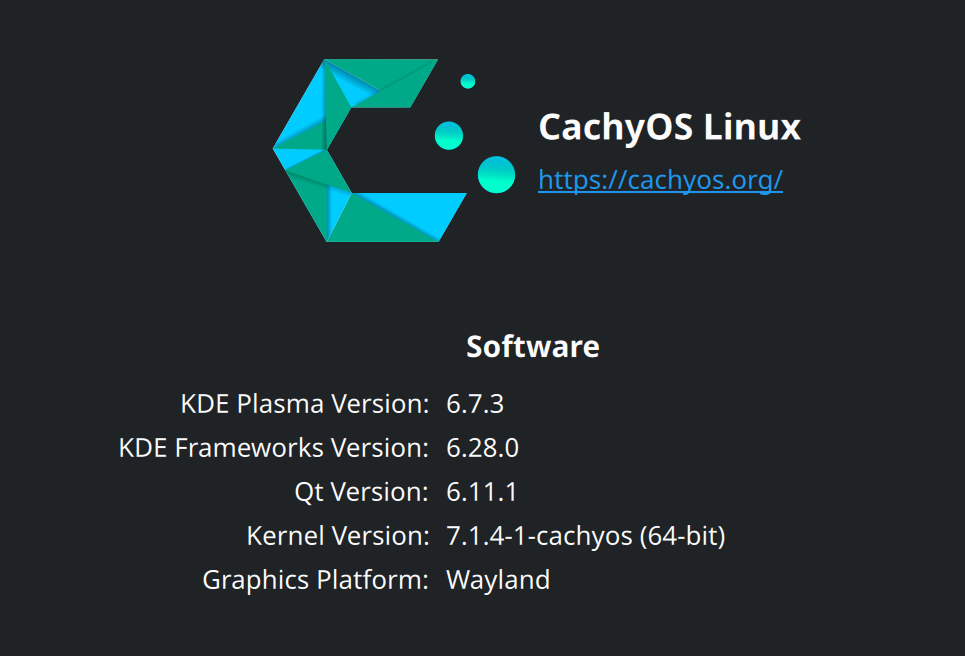
OS: CachyOS

Issue

FileNotFoundError: [Errno 2] No such file or directory: '/home/leetran/.local/share/umu/steamrt4/toolmanifest.vdf'                                                                                                 
  Monitored process exited.                                                                                                                                                                                          
  Initial process has exited (return code: 256)                                                                                                                                                                      
  All processes have quit                                                                                                                                                                                            
  Exit with return code 256

Root Cause

  The ~/.local/share/umu/steamrt4/ directory existed but was empty — the Steam runtime download had failed or was interrupted, leaving no files (especially toolmanifest.vdf). When umu tried to build the Proton →
  steamrt4 → host command chain, it couldn't find toolmanifest.vdf and crashed.

  Additionally, Steam's CDN is currently returning errors for the latest-public-beta symlink endpoint (Error 118), which prevents umu from automatically re-downloading the runtime.

Fix Applied


  1. Removed the empty steamrt4 directory — so umu wouldn't see a corrupted partial install
  2. Manually downloaded and extracted the steamrt4 runtime from https://repo.steampowered.com/steamrt4/images/4.0.20260714.251823/SteamLinuxRuntime_4.tar.xz (SHA256 verified)
  3. Installed it to ~/.local/share/umu/steamrt4/ — the correct location umu expects

  The runtime now validates successfully (mtree is OK) and GE-Proton11-1 launches correctly through the steamrt4 → host chain.
3 Likes

Worked perfectly. Thank you.

1 Like

Hi, thank you for giving this fix.
I’m installing a game right now and hope it works like on my other, older Bazzite installation.

I have been using Bazzite and Lutris since nearly 1 year and every (single player) game I’ve installed has worked, sometimes needing addition of arguments, environment variables or dll overrides (for HDR, fsr4 etc.), but they always worked in the end.

A few days ago I decided to make a fresh install with the newest Bazzite iso on an nvme drive and Lutris has since then only been able to install games using wine-staging, not proton ge like I have always used; this resulted in games installing, but not starting or working properly in the end.

As far as I’ve understood (I’m not very proficient with Linux and just want to play games, do some productivity and watch videos) the problem is caused by Lutris now using an umu launcher, that is supposed to mimick the steam runtime/launcher behaviour, but it seems bugged because it never downloads the complete launcher, even if I remove the umu folder manually and let Lutris create a new one.
The mistake keeps repeating itself.

UPDATE
The game installed without errors, but whatever proton GE version i use, including the latest, it tries to start, but shuts down after a short time.
So the problem hasn’t been solved for me.

1 Like

Ah my issue is on CachyOS https://cachyos.org/ , I tried Bazzite, no luck too

It seems that the newest version of the umu launcher isn’t being downloaded properly or it’s buggy.
Well, I’ve moved to the steam launcher and all my games are now being installed and run properly.

We had a good time together, Lutris, but it’s ‘good bye’ for now…

1 Like