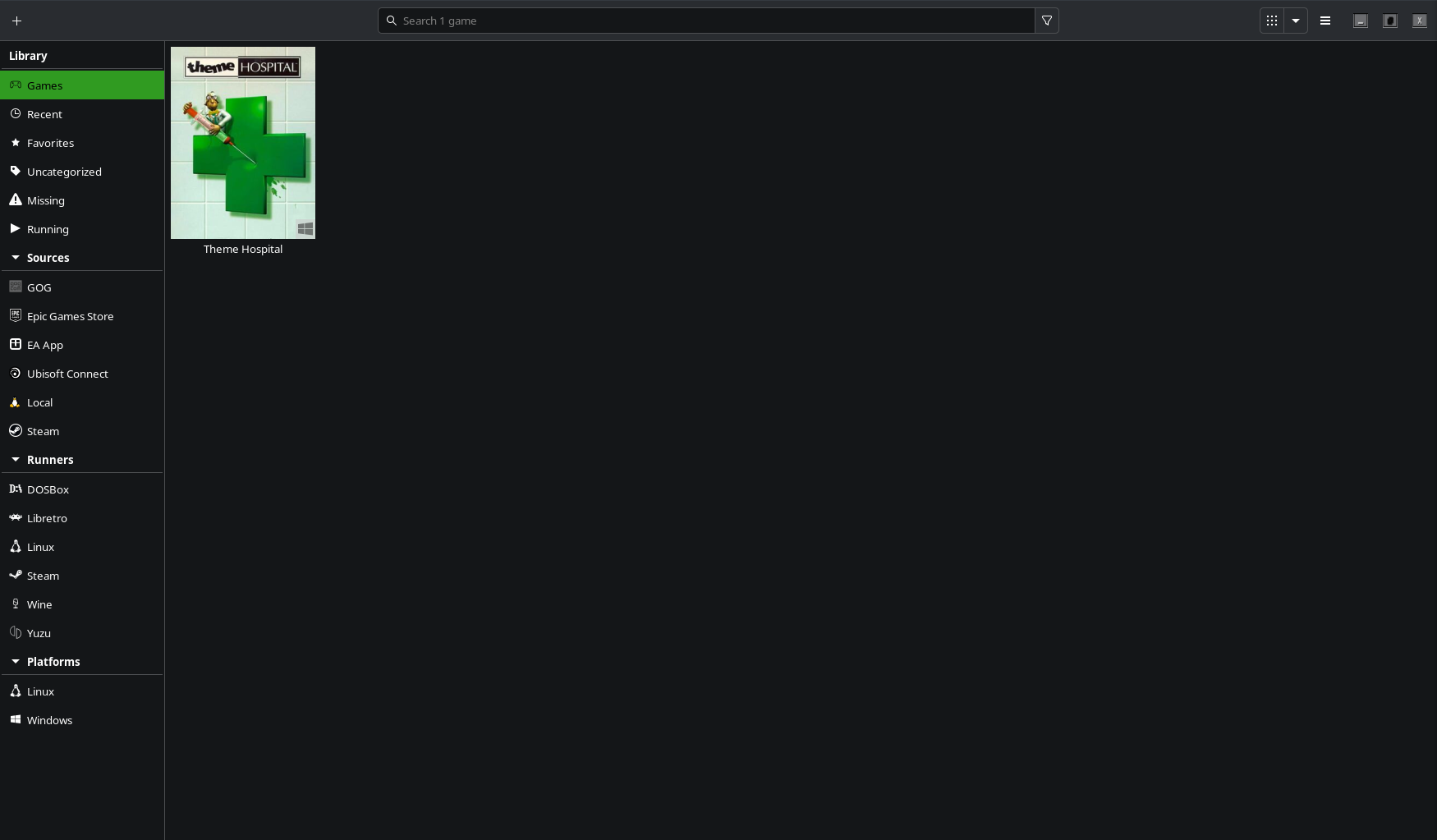
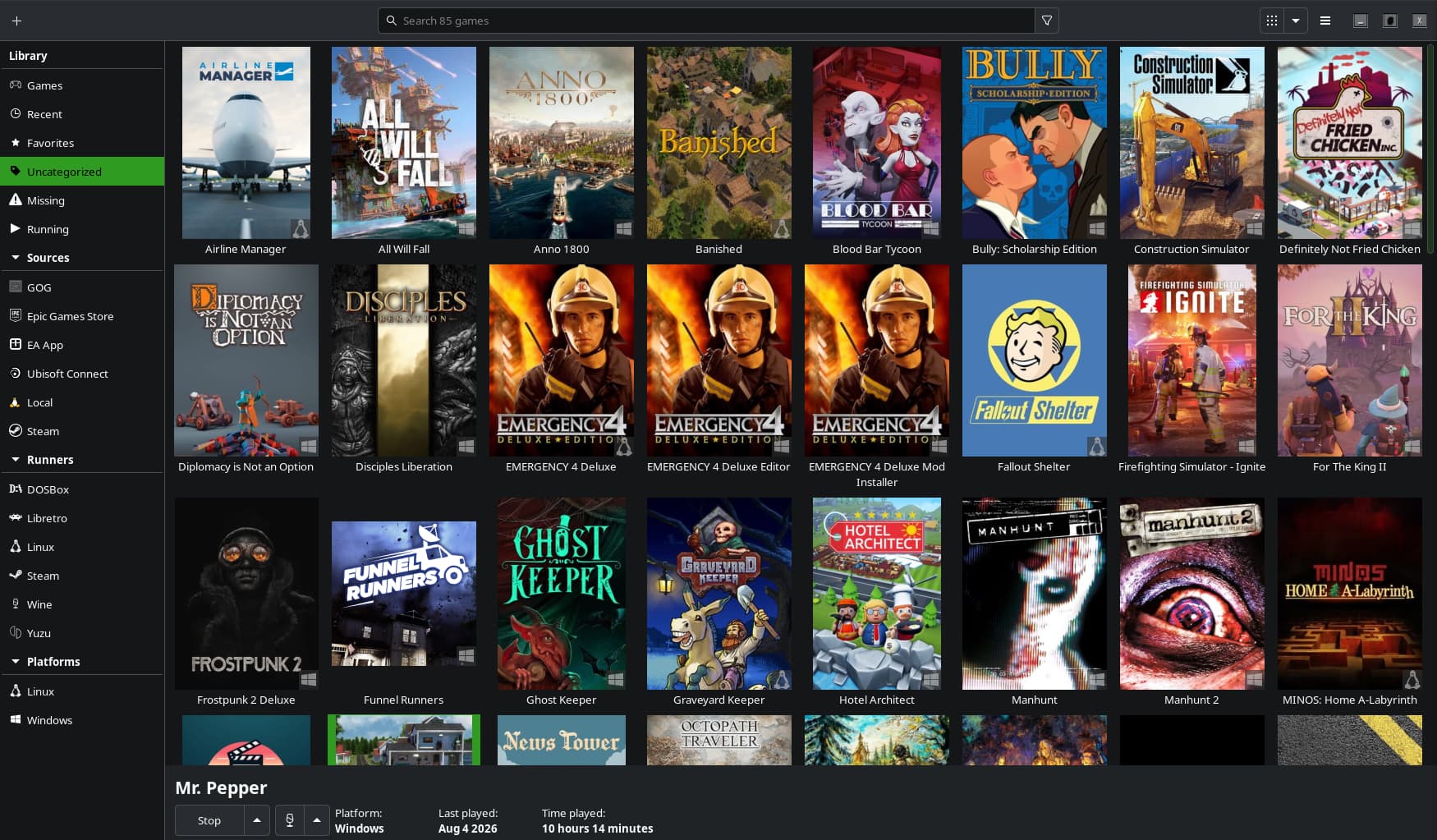
Lutris was working fine until the other day. When I would first open the app, it would display my entire library. The other day, I clicked something; I believe it was the Linux runner. Now, no matter what I do, unless I select uncategorized under Library, only one Windows game shows by default. I really want to get it back to being able to launch Lutris and see my entire library.
Can anyone help me figure this out?
Have you tried clicking on Games under Library, the topmost option?
That’s the default screen on launch and that’s where the problem lies. Used to I just launched Lutris, it went to that screen by default, and all my games were there. Now it just shows Theme Hospital which is actually CorsixTH and says it’s missing but it launches fine but I’m not too concerned about that missing game part right now. I just want to be able to open Lutris and, by default, see my entire library. The problem even persists after a reboot.
Could you have hidden the games somehow?
I mean, 99% of my library is not showing up under “Games” so yes, obviously I have hidden them. That’s the whole purpose of the topic. How to unhide them and restore the default view.
Perhaps a visual will help?
Hamburger menu on the upper right, 3rd option down should be “Show Hidden Games”, what happens if you select this?
Also, have you by chance added any categories yourself?
Also, what is the “Missing” entry immediately below what you have selected in the side panel - I don’t think I have seen it before?
Also, maybe try the Discord channel, it seems to be a bit more active than the forum here.
Hamburger menu on the upper right, 3rd option down should be “Show Hidden Games”, what happens if you select this?
Nothing.
Also, have you by chance added any categories yourself?
Negative. Wouldn’t they show in the side panel if I did?
Also, what is the “Missing” entry immediately below what you have selected in the side panel - I don’t think I have seen it before?
Games that were in the library and have a prefix still, but the actual game files are missing.
Also, maybe try the Discord channel, it seems to be a bit more active than the forum here.
Worth a shot I guess.
So I figured this out on my own! Hamburger->Preferences->Sources-Steam and there is a small check box that says “Show games from this source in the games view.” I clicked that, and everything is back to normal!
Well, excellent. 
Hope all goes well with this from now on. 