I tried to launch the Epic Games Launcher through Lutris, but it just stops in about 5 seconds!
Here is log: Ubuntu Pastebin
Although this log says FreeType is not installed, I have it installed. I have installed it using GNU Make (at least I believe that’s all it takes to install it, if not please inform me). Please help, what should I do?
I can press the reload button for Epic Games Launcher in Lutris which takes me to login screen. After logging in using email and password, I could install some games. So I tried installing Among Us, which showed it was running for a few seconds, but didn’t even pop up as a window and crashed instantly with the same logs as before.
Is EpicGameLauncher working now? If yes and only games fail, run wine-config from that prefix, go ‘Libraries’, add mf and set to builtin(wine). That’s what i did to get Borderlands 3 running. Maybe thats all it needs.
Nope, Epic Games Launcher still fails with same error. Am I making some mistake in installing FreeType?
Did you use this installer to install EGS on Lutris? It has all the fonts needed in the install script, otherwise use winetricks to add corefonts
Yeah, I just hit the configure button and then it prompted me to install Epic. Should I reinstall? I am ready to reinstall Lutris if needed too.
No idea what you mean by “I just hit the configure button” - did you run the install script I linked above in lutris to install EGS? If not, winetricks can be found (when you have EGS highlighted) at the bottom with the up arrow near the play button and wine glass. In winetricks, you need to continue to the add dll or component or the add fonts selection and find corefonts.
Sorry for miscommunication, yes I have installed the EGS using that install script, which prompted me to this.
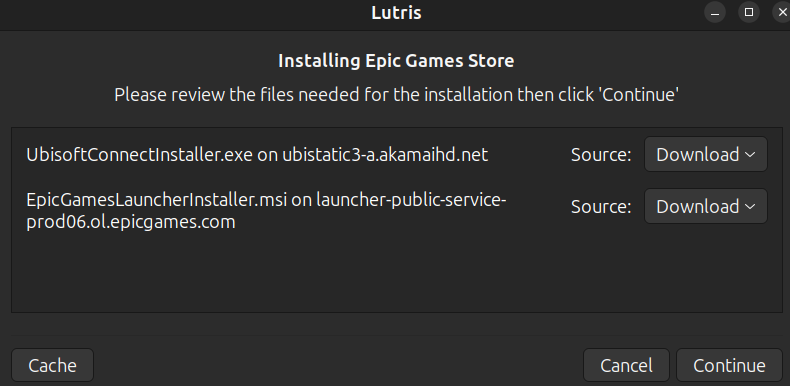
Also, sorry but I couldn’t understand what you mean by adding corefonts or dll, could you please link me a guide or something?
I don’t know what happened, I installed steam through Lutris and now EGC is giving a different log: Ubuntu Pastebin
It doesn’t crash, but still not window.
You need to head to the discord server for help - follow the links on lutris.net and visit the #lutris_support area
Alright, thanks for your help.
Ok so turns out, I just had missing dependencies for wine 
Easily installed from Wine 32bit dependecies
Thanks for help anyways!
Box of Shame…
Just incase anyone finds this and they are having restart loop issues.
Fix for Epic Games Store “Install Epic Online Services” infinite loop on Linux (Lutris/Proton/umu-run)
If EGS launcher is stuck looping on “Epic Online Services is not installed” / “Restart and Install”, and installing .NET/vcrun redistributables doesn’t help — check your Wine prefix’s reported Windows version. Run winecfg (or protontricks/winetricks targeting your prefix) and look at the Windows version setting. If it’s stuck on Windows 7/XP instead of 10/11, that’s likely your culprit: Epic’s EpicOnlineServicesUserHelper.exe --setup step branches on OS version for its service self-registration, and silently fails (exit code 216) when the prefix reports as an old Windows version — even if you previously ran winetricks win10.
Fix: WINEPREFIX=/path/to/prefix PROTONPATH=/path/to/proton-build umu-run winetricks -q win10 (or win11). Verify it took by checking system.reg for “ProductName”=“Microsoft Windows 10” (or 11) under Software\Microsoft\Windows NT\CurrentVersion. Then just retry the EOS install from the launcher — it should complete cleanly and the loop stops for good.
Took me hours of banging my head against the wall just so I could play Alan Wake 2 on my CachyOS install.
I hope this helps someone.
Hello, i’m new here and i saw your post but this doesn’t help me. The EOS Install loops anyway. I have the winepefix configured to Windows 11.
Did you use official Lutris script to install EGS?
Yes i have.
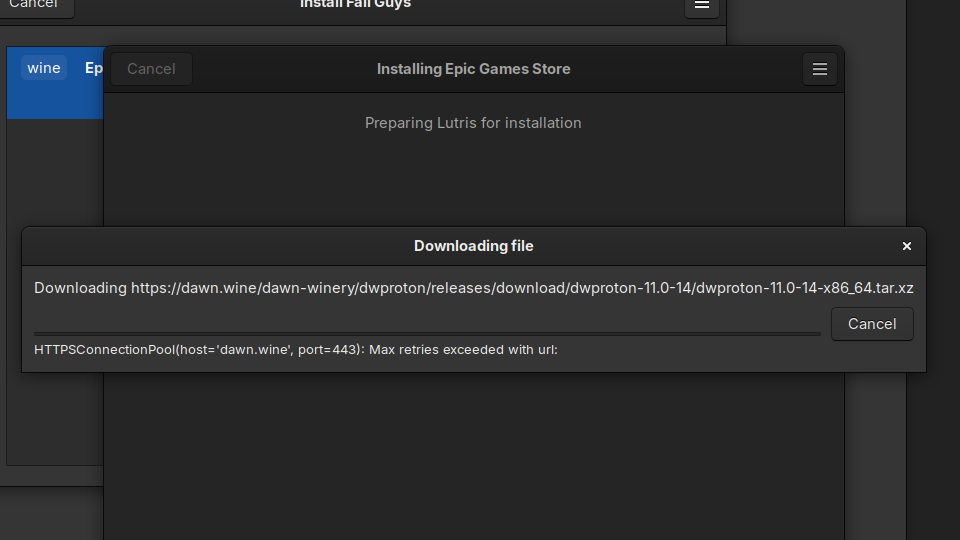
I wanted to install Fall Guys, so I downloaded the EGS script as I have many times before and it worked. This time however, when trying the EGS script from Fall Guys and when trying to Install the “official” EGS I get the same error.