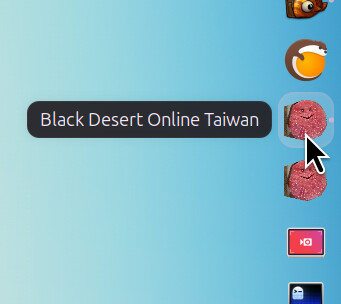
Dock icon displayed as a gear

The EXE program is displayed as a gear, the default one.
螢幕快照 2024-08-27 19-00-34

Can I assign an icon for it through Lutris? It seems only Lutris can assign the icon for the program run by Lutris.

My EXE program is “BlackDesert64.exe”. It’s another program run after Lutris launches the game with the executable “BlackDesertLauncher.exe”.

My OS is Ubuntu 24.04, with GNOME 46 and Wayland.

1 Like

ever found a solution?

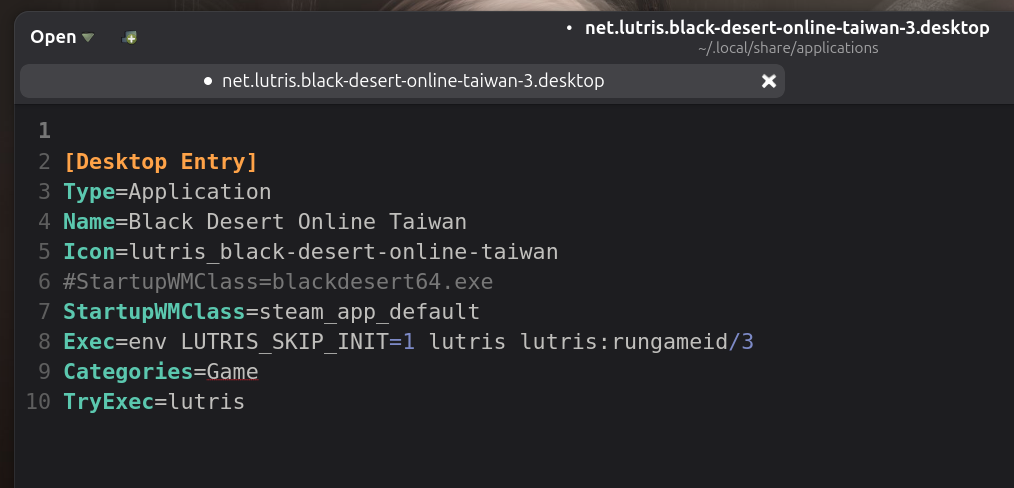
Create a Desktop shortcut, i.e. a .desktop file:

  1. Open Lutris and right-click on the game you want.
  2. Select Create desktop shortcut from the drop-down menu.
  3. The shortcut file is typically saved in your user applications directory: ~/.local/share/applications/ (or sometimes in a subfolder like ~/.local/share/applications/wine/Programs/).

Modify the value of the StartupWMClass within that .desktop file:

Pin that .desktop app onto the Dock if you like to do:
image