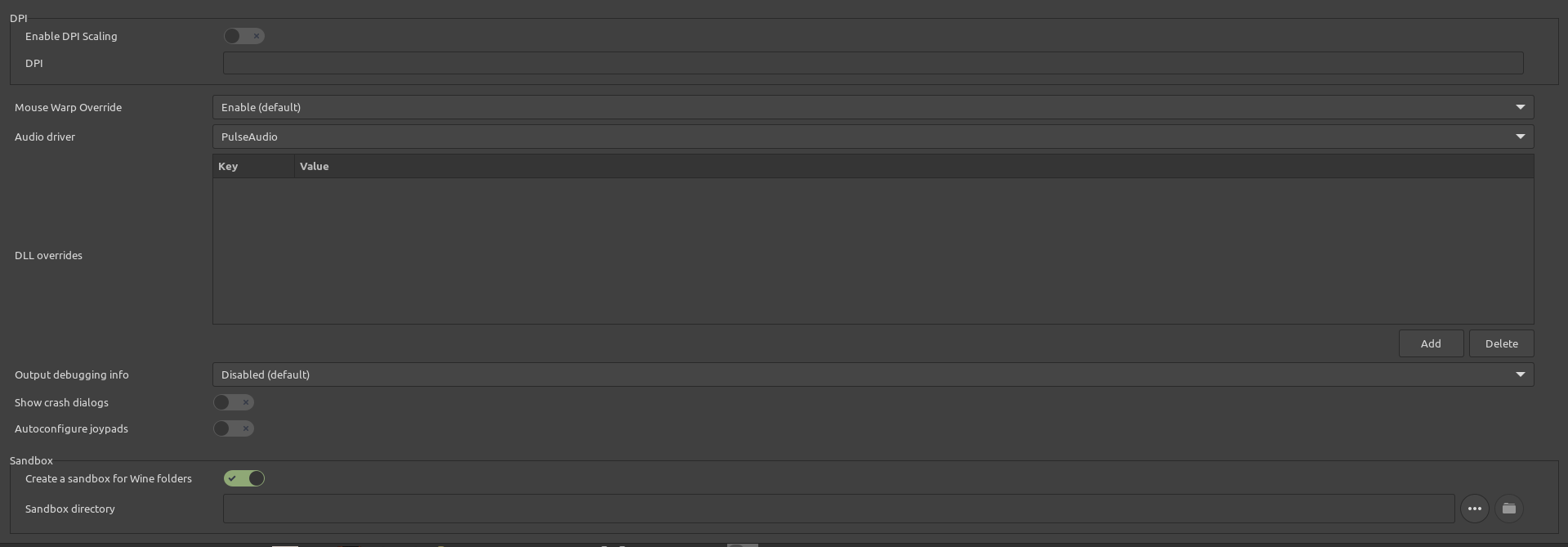
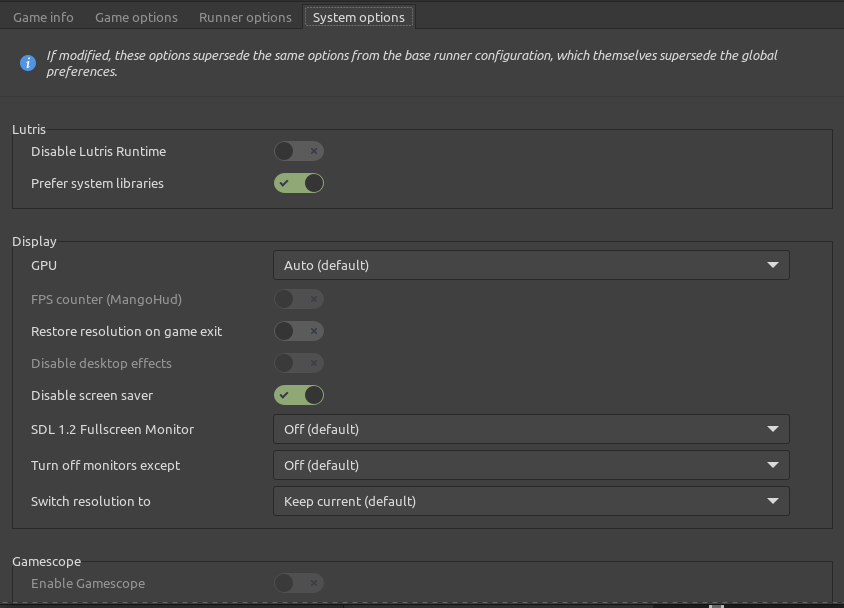
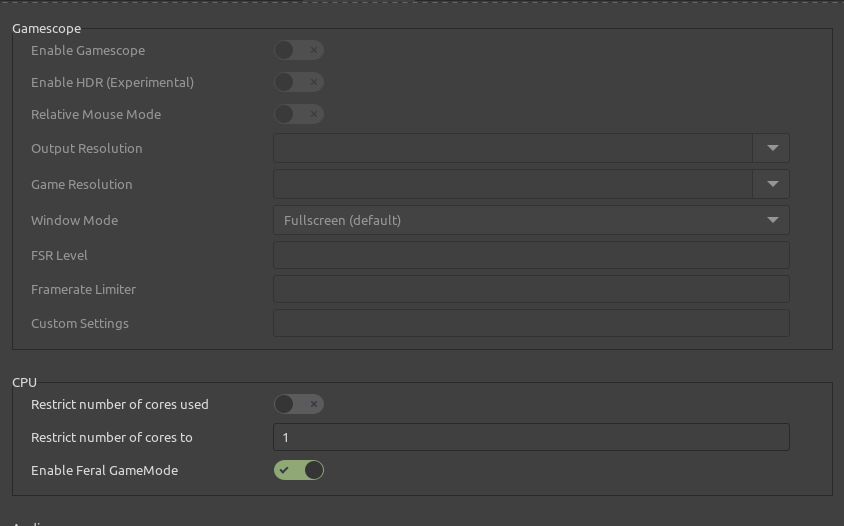
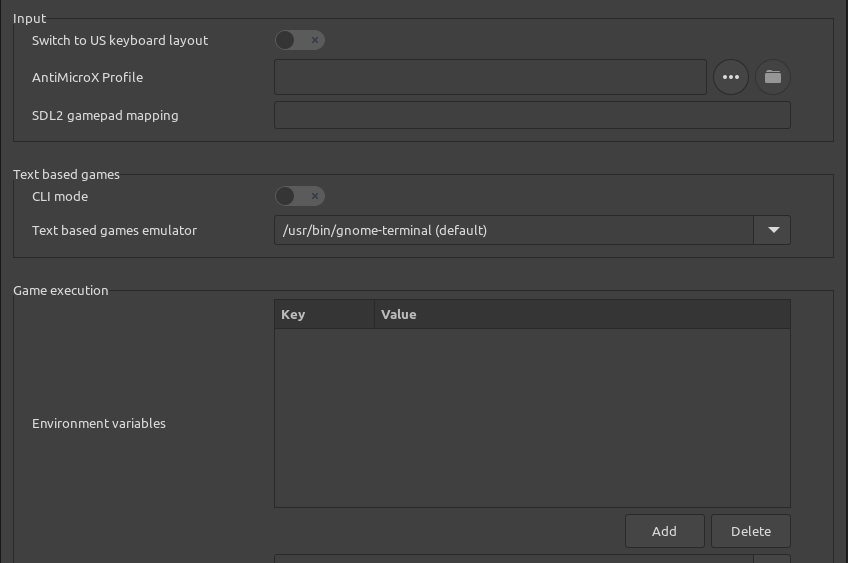
First : I’m new on Linux … after trying out Kubuntu I switched to Linux Mint Cinnamon. Now trying to add stuff and picking Diablo2 … nostalgia  … but keep having problems. I click on the plus in the Lutris screen. I choose the 3rd option (Install a Windows game from an executable) because I don’t want to play it via Battle.net, but just using the CD’s I bought back then to install the game. I install it fully, so I do not have to swap CD’s while playing, the installation process seems to go okay.
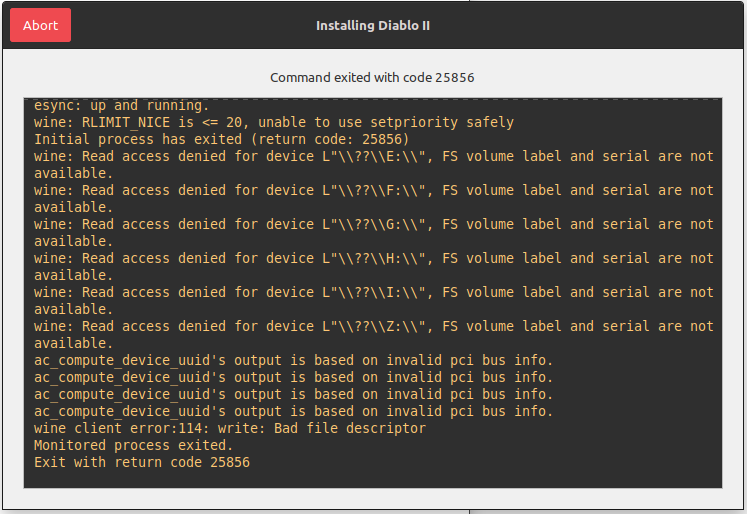
At the end of the installation, the script doesn’t seem to be able to end properly, see screenpic. All I can do then is abort but the game doesn’t show then in Lutris.
If I leave the last screen of Diablo installation active and click on Play in that window, the game starts and runs without problems, lets me same a game (single player) but after closing the game, there is no way to start it up again and only reinstalling via Lutris allows to play again (from scratch, so no saved games).
What am I doing wrong?